Home
For Suppliers
Print Label & Delivery Note
Support
Contact
FAQ
User Guide
User Guide for print label and delivery note
Login
Supplier
Frequent Ask Questions (FAQs)
What is Supplier Portal?
The Senawang Laminating Sdn Bhd Supplier Portal is a secure, web-based platform designed to streamline and centralize the operational interface between Senawang Laminating and its global supplier base. This dedicated portal enables our partners to electronically acknowledge Purchase Orders (PO), maintain real-time visibility into PO status, and generate essential fulfillment documentation, including delivery note, product item label featuring QR code.
How to log in Supplier Portal?
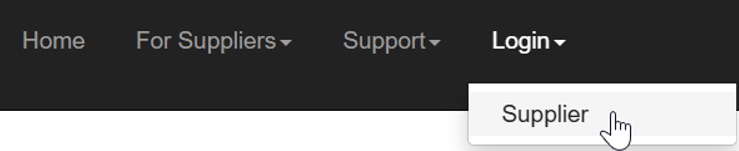
Go to menu Login -> Supplier -> Login with user name and password.
How to create an account Or reset your password on the Supplier Portal?
Supplier Portal accounts are not self-registered. Please contact your dedicated SLTM purchaser to submit a request for account creation.
Support for Supplier Portal.
Please contact your dedicated SLTM purchaser to request assistance with any Supplier Portal issues.